Check GEPCO Paid, Unpaid, and Previous Bill History
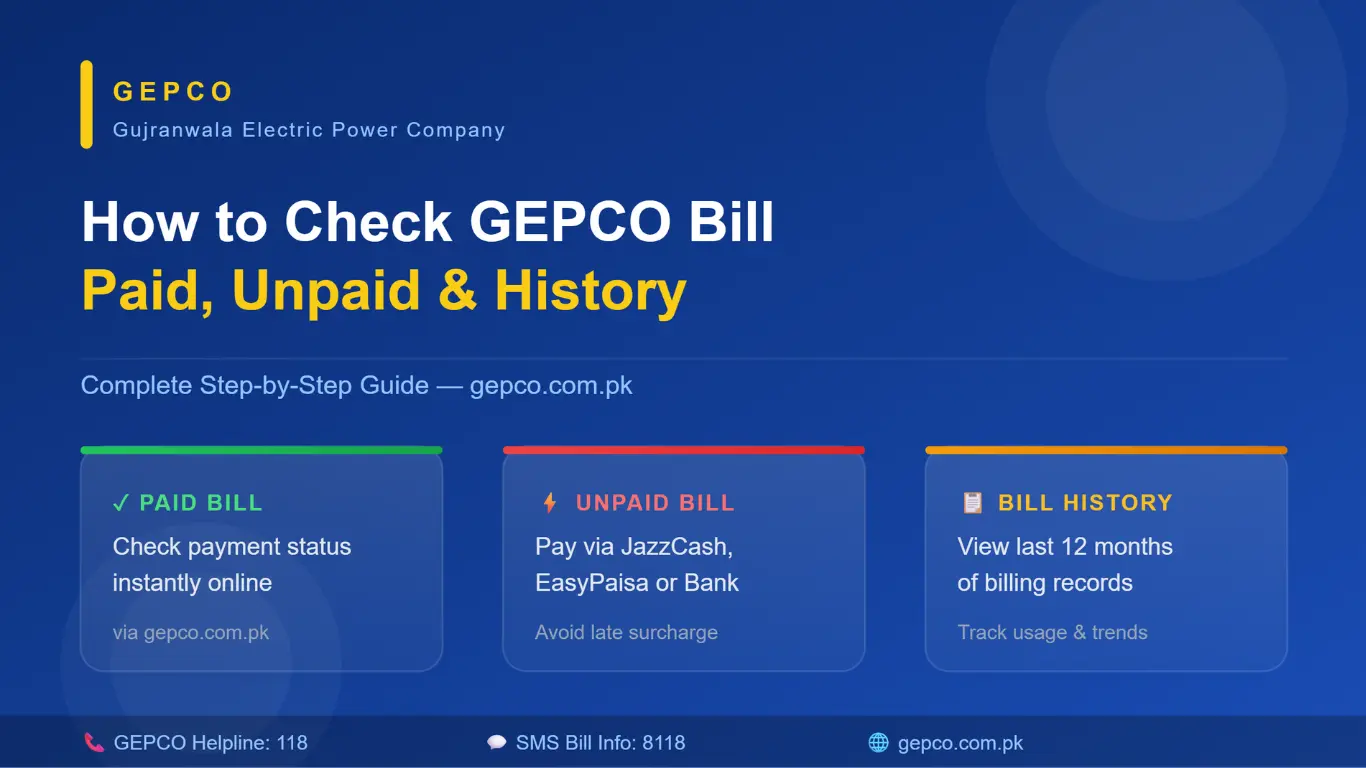
Checking your electricity bill from the comfort of your home is no longer a complicated task. If you are a GEPCO (Gujranwala Electric Power Company) subscriber, you deserve to know whether your bill has been paid, how much last month’s bill was, and whether any outstanding dues are pending. This guide will walk you through everything step by step — in plain, simple language.
Why Checking Your GEPCO Bill Online Matters
Not too long ago, people had to visit the electricity office, stand in long queues, and wait just to get a printed bill. Those days are mostly behind us now. GEPCO has significantly improved its online services, and today you can view your complete billing record without stepping out of your house. Whether you want to confirm a payment, dispute a charge, or simply track your monthly electricity usage, having this information at your fingertips makes life a whole lot easier.
What You Need Before You Start
Before you check your bill, keep one thing ready —your 14-digit reference number. This number is printed on every GEPCO bill you have received. If you do not have an old bill handy, you can also find this number written on your electricity meter, or you can call the GEPCO helpline at 118 to get it.
How to Check Your GEPCO Paid Bill
Knowing whether your payment went through successfully gives you peace of mind. Here is how to confirm it:
- Visit the official GEPCO website at gepco.com.pk
- Look for the “Online Bill” or “Customer Services” section on the homepage
- Enter your 14-digit reference number and hit search
- Your latest bill will appear on the screen, showing the total amount, due date, and — most importantly — the payment status
If it shows “Paid”, you are all clear. However, if you have already made the payment but it still shows “Unpaid,” do not panic. It usually takes 24 to 48 hours for the system to update after a payment is processed, especially through mobile wallets or third-party apps.
How to Handle an Unpaid GEPCO Bill
If your bill is still unpaid and the due date is approaching, it is best to act quickly. GEPCO charges a late payment surcharge once the deadline passes, and in some cases, the connection can be suspended. Here are all the ways you can pay your GEPCO bill:
- JazzCash / EasyPaisa — Pay directly from your mobile wallet in under a minute
- Online Banking — Use your HBL, UBL, Meezan, ABL, or any other bank’s online portal
- ATM — Select the bill payment option at any ATM and enter your reference number
- Bank Branch — Visit any commercial bank and pay over the counter
- GEPCO Franchise / Authorized Outlets GEPCO has authorized franchises in most cities, where you can walk in and pay
Once you pay through any of these methods, keep the receipt or take a screenshot. This small habit can save you from a lot of trouble later.
How to Check GEPCO’s Previous Bill History
This is one of the most useful features GEPCO offers, and many people do not even know it exists. Checking your bill history lets you see how your electricity consumption has changed over time, whether there are any billing errors, and what your average monthly cost is.
Method 1: GEPCO Official Website. Go to gepco.com.pk, enter your reference number, and look for the “Bill History” or “Previous Bills” option. You will find a table showing each month’s bill, units consumed, and payment status, usually going back 6 to 12 months.
Method 2: GEPCO Mobile App GEPCO’s official app is available on both the Google Play Store and the Apple App Store. Download it, register or log in using your reference number, and navigate to the “Bill History” section. The app is easy to use, even for people who are not very tech-savvy.
Method 3: SMS Service If you want a quick check without opening a browser or app, send your 14-digit reference number to 8118 via SMS. You will receive basic bill information in return. It does not give you the full history, but it works perfectly for a fast status check.
Understanding What Is in Your GEPCO Bill
Most people only look at the total amount and pay without reading the rest. But understanding your bill helps you catch errors and better manage your usage. Here is what each section means:
- Units Consumed: How much electricity you used last month
- Tariff Category: Whether you are being billed as domestic, commercial, or industrial
- Fuel Adjustment Charges (FAC): This amount varies every month based on national fuel costs
- GST and TV License Fee: Taxes that are automatically included in every bill
- Arrears: Any unpaid amount carried forward from a previous month
If anything looks wrong an unusually high bill, incorrect units, or an extra charge call the GEPCO helpline at 118 or visit your nearest GEPCO office to file a complaint.
Final Thoughts
Checking your GEPCO paid status, clearing unpaid dues, and reviewing previous bill history is now genuinely simple. All you need is your 14-digit reference number and a working internet connection. Make it a habit to check your bill as soon as it is generated each month — it helps you stay on top of your payments, track your energy usage, and avoid unnecessary late fees. No more unnecessary office visits, no more standing in lines. Everything is right there on your phone.